
GENIE · YOUR AI WORKSPACE

Put your ideasto work.

Use your own model to turn notes into a plan or draft.
Keep the request and result together on your Mac.

Become a tester ↗

macOS 14+ · Developer preview · Testers wanted

AN IDEA → A REQUEST → WORKING HTMLREAL MAC CAPTURE
Real Mac capture · Genie workflow · Waiting condensed · Starts muted

WHAT WILL YOU MAKE?

One goal.
Something to show for it.

Three jobs, captured in the real app.
From a request to a result you can inspect and keep.
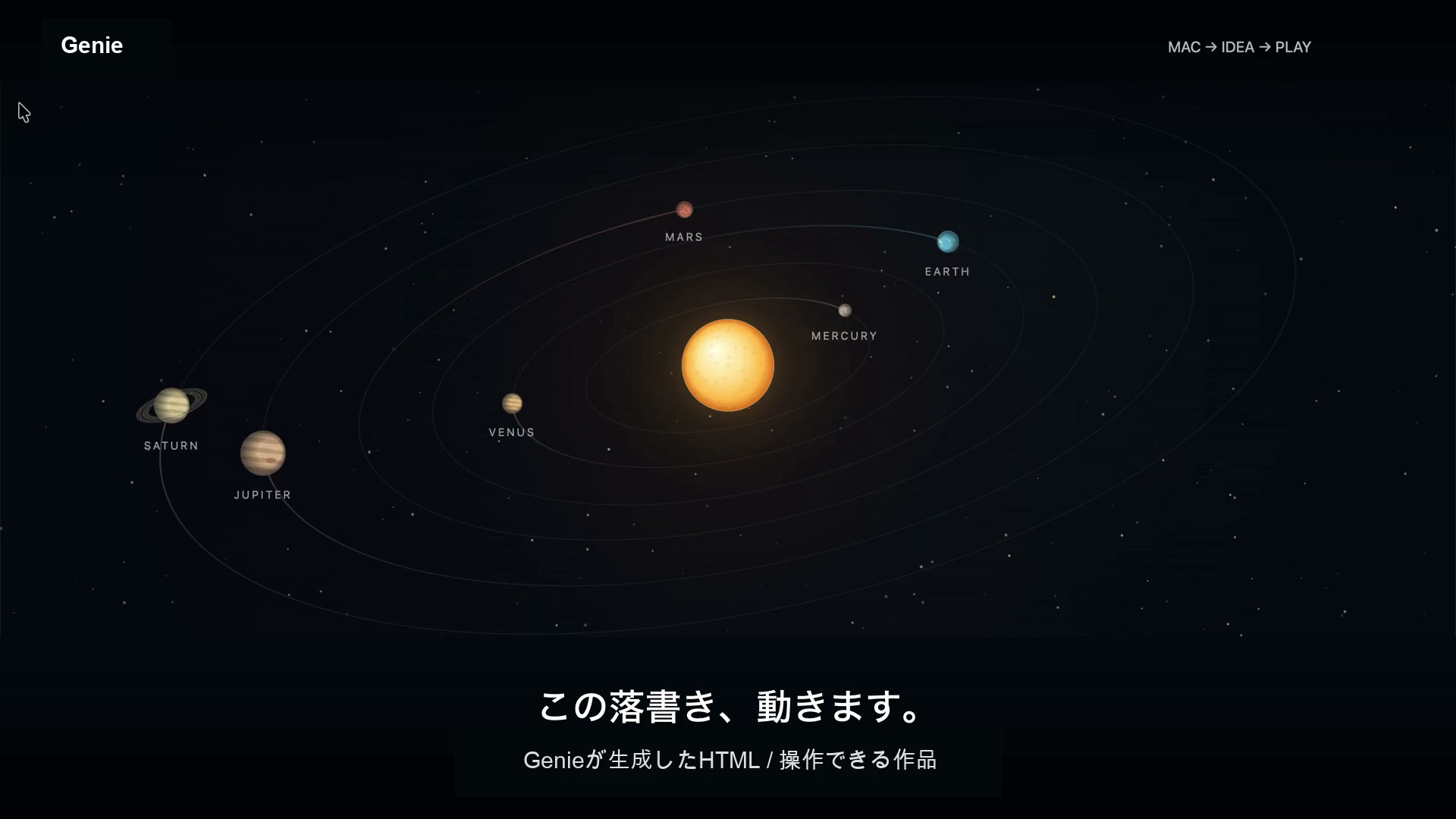
The actual outputs are here to explore, too.

Every recording is branded as Genie, the current product name.

02 / A WEBSITE PROPOSAL

Give that page
a clearer message.

Improve a headline and button, with reasons behind the changes. Keep a proposal you can work from.

THE GOAL
Improve this website’s headline and button.
THE RESULT
Suggested copy and its rationale
Read the saved proposal
How this was made

Real Mac capture using a fictional company website. A local Ollama model, qwen3.5:9b, answered in about 24 seconds; the proposal was saved as Markdown. This is a copy proposal, not a complete website build or deployment. Actions and waiting are condensed. Music was composed programmatically for the film.

Production & verification notes ↗Open the video file ↗

03 / ANALYSIS INTO ACTION

From a set of numbers
to a next step.

Turn a dashboard into priorities, supporting reasons, and next steps. Save a document you can return to.

THE GOAL
Prioritize improvements and suggest the next steps.
THE RESULT
Priorities, reasons, and next steps
Read the saved analysis
How this was made

Real Mac capture using a fictional dashboard. Connected Codex generated the answer in about 13 seconds. Waiting is condensed, and the save sequence includes stills from the real interaction. These figures alone do not establish causes or the impact of a proposed change. Music was composed programmatically for the film.

Production & verification notes ↗Open the video file ↗

START WITH THE GOAL

The conversation ends.
The work stays.

Tell Genie what you want to make.
Your request and result stay together,
ready to reopen and take into the next task.

  1. 01

    Describe the goal

    What do you want to make, for whom, and with which constraints? Start with a plain-language request in Home.

  2. 02

    Follow the work

    Your connected AI generates the result. Follow it in Work, leave the screen, and return to the same request.

  3. 03

    Take the result with you

    Review the output, copy it, or export Markdown. Use the writing in your next document, or open generated HTML as a prototype.

Add visual context when it helps. A screenshot is one way to explain the situation. You can start with words, too.

ON YOUR TERMS

Your model.
Your call.

A local model.
Or the AI you already use.

Models
Ollama · Supported APIs · Codex · Claude Code
Data
Your request is processed by the model you connect. Images need a vision-capable model. Choose a local model to process them locally.
Cost
Speed, quality, and cost depend on the model. The copy proposal used a local model; the HTML playground and analysis used Codex.

TODAY, AND WHAT’S NEXT

What you can try today

A developer preview for generating, reviewing, and saving writing and code from a request. The three films above show workflows we actually ran.

Where we’re going

An AI that takes a goal through creation, verification, and publishing. End-to-end workflows such as making a video and publishing it to social media are development goals.

MAC PREVIEW · TESTERS WANTED

One real task.
Your honest take.

What helped? Where did you get stuck?
Your first experience can shape
what we improve next.

Already using Ollama on a Mac? Turn a few notes into an action plan, reopen it in Work, and save the result. Tell us the first place you get stuck.

  1. 01Set up the matching app and source
  2. 02Ask → reopen in Work → save the result
  3. 03Share a result or blocker in three answers

About 10 minutes after setup. Requires macOS 14+, local backend services, and an AI model. The app alone is not enough; developer setup and model downloads take additional time.

No waitlist or email signup. Feedback goes to a public GitHub issue. Setup failures are welcome, too. Or watch the demos first.

The app and downloads are named Genie. The code is public; there is no project-wide license yet.

BUSINESS INQUIRIES · Genie

Discuss Genie for your workflow

Tell us what work you want to accomplish, your environment and the connections you need.

Availability, scope, timing and fees are confirmed individually. Sending an inquiry creates no contract or payment.

Start a private inquiry

Your inquiry is stored privately in Google Cloud for the operator to follow up. It is not used as AI input or analytics, and becomes eligible for deletion after 90 days. It is not posted to a public issue.

Also: a 10-second concept animation of asking with an image

A screenshot is one way to add context to a request. This concept animation illustrates that interaction; it is not a real recording like the three films above.

Video and Japanese narration: Gemini Omni 1.1 Flash. Planning: ChatGPT. Repeated narration is still being revised; music has not been added. Starts muted.

Open the video file ↗